The product
From capture to follow-through
Featherlist turns tabs, messages, notes, LLM chats, and loose thoughts into reviewed tasks, notes, routines, today, and search. No heavy setup. No migration project.
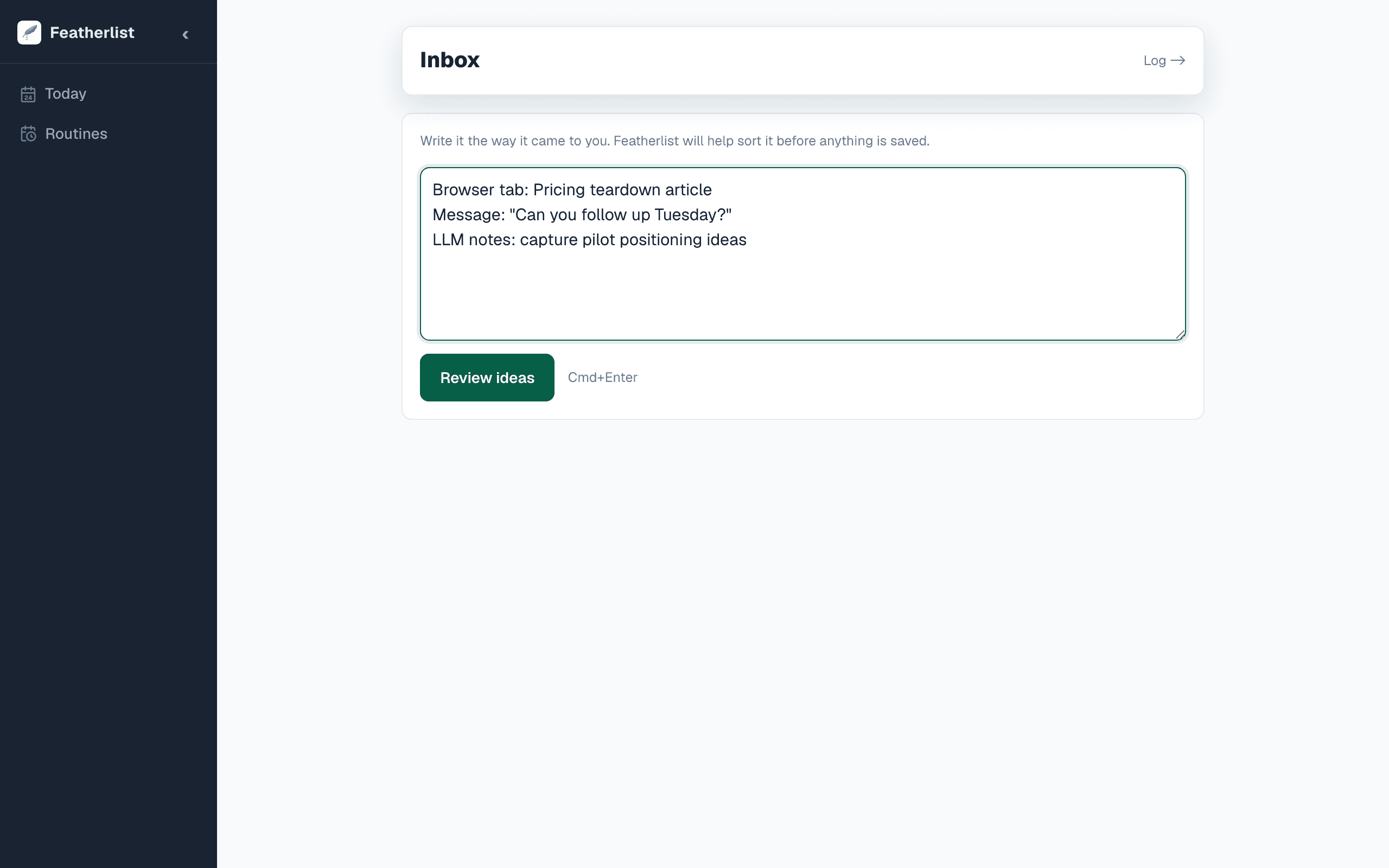
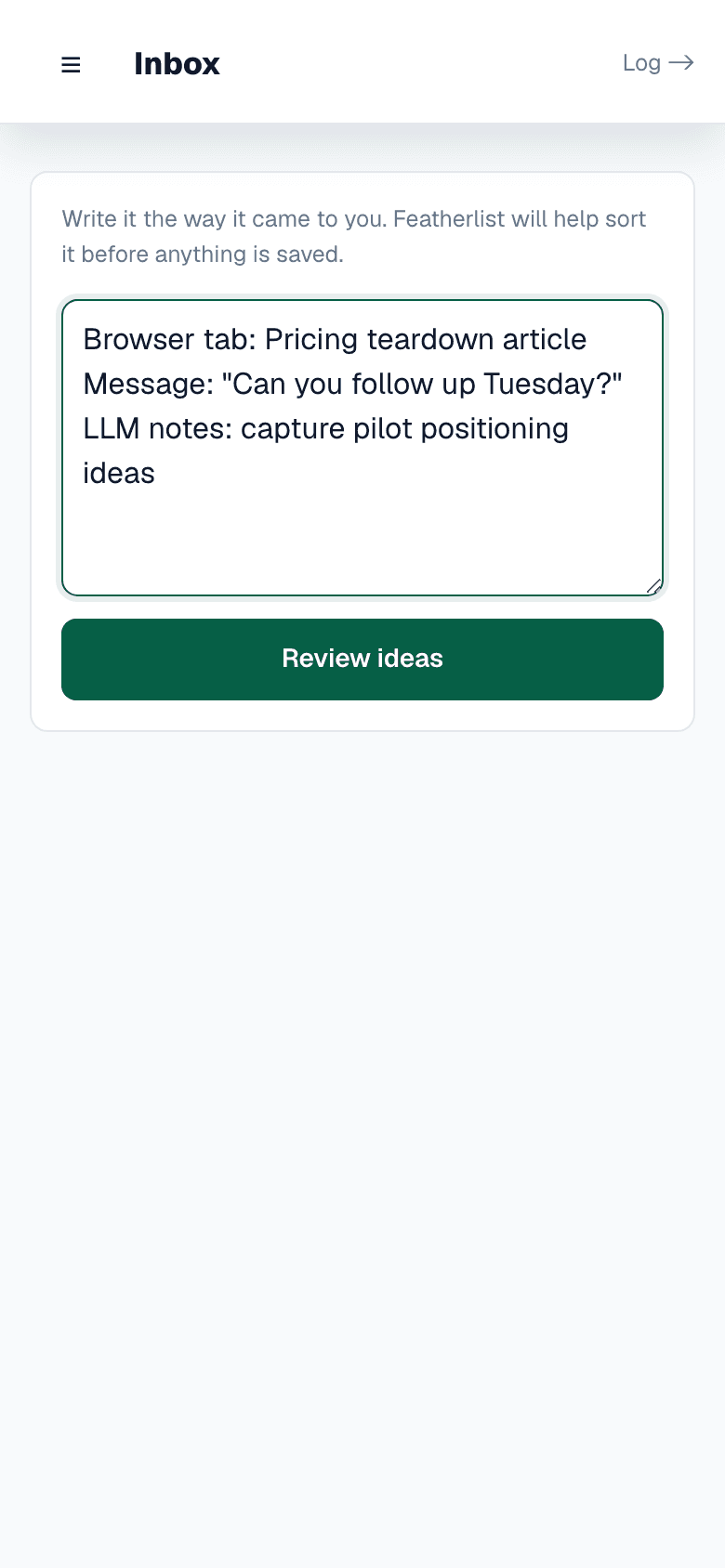
Bring in the thing before the context disappears
Featherlist starts where the mess already lives: tabs, messages, notes, LLM chats, and loose thoughts.
Capture can be quick because it does not need to decide the final shape immediately. A page, message, or thought can enter as raw input first.
The browser clipper, inbox brain dump, mobile paths, and WhatsApp pilot are capture channels for the same review-first loop.
- Browser tabs and highlights
- Messages and follow-ups
- Brain dumps and LLM output
- Mobile and WhatsApp pilot inputs
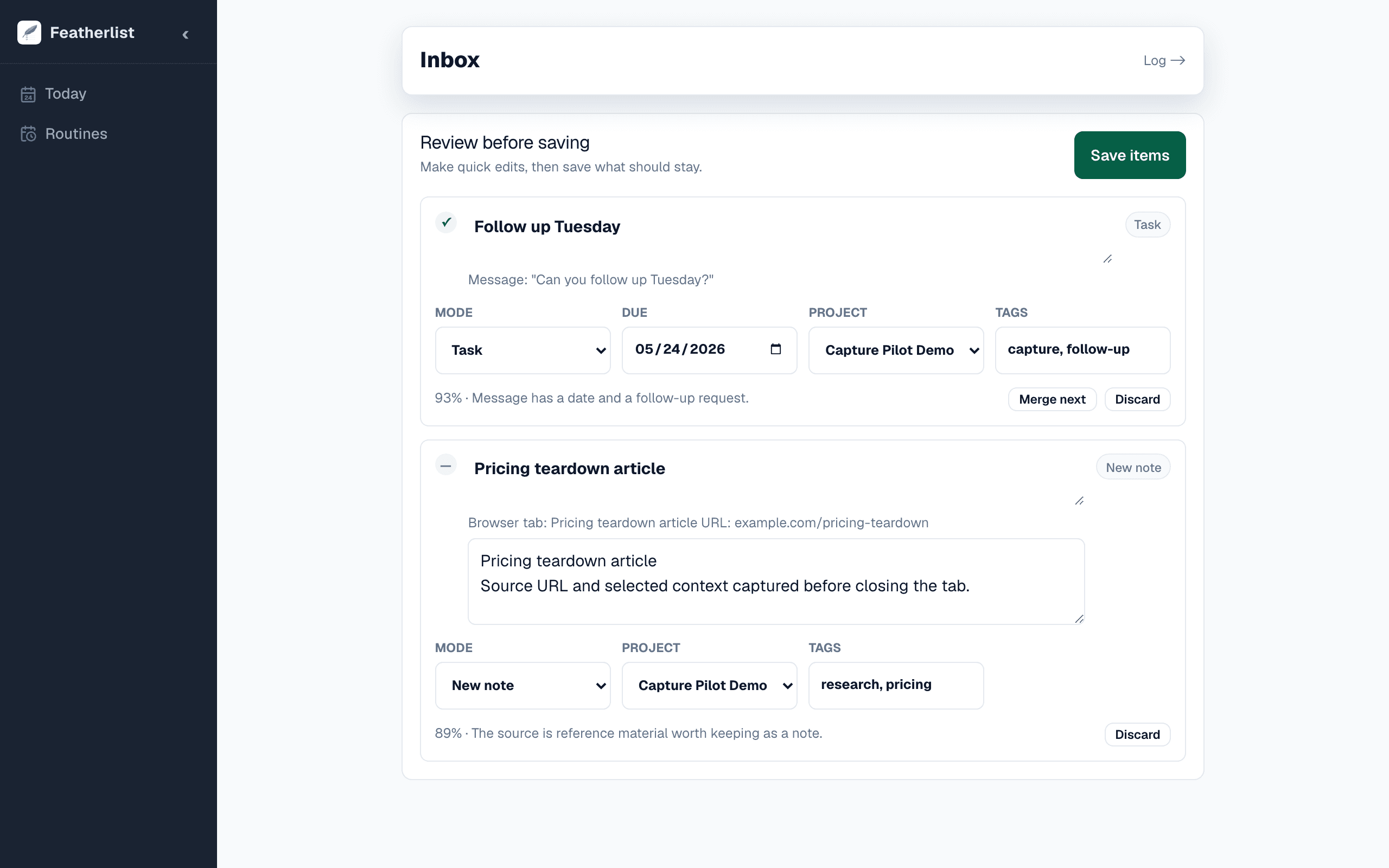
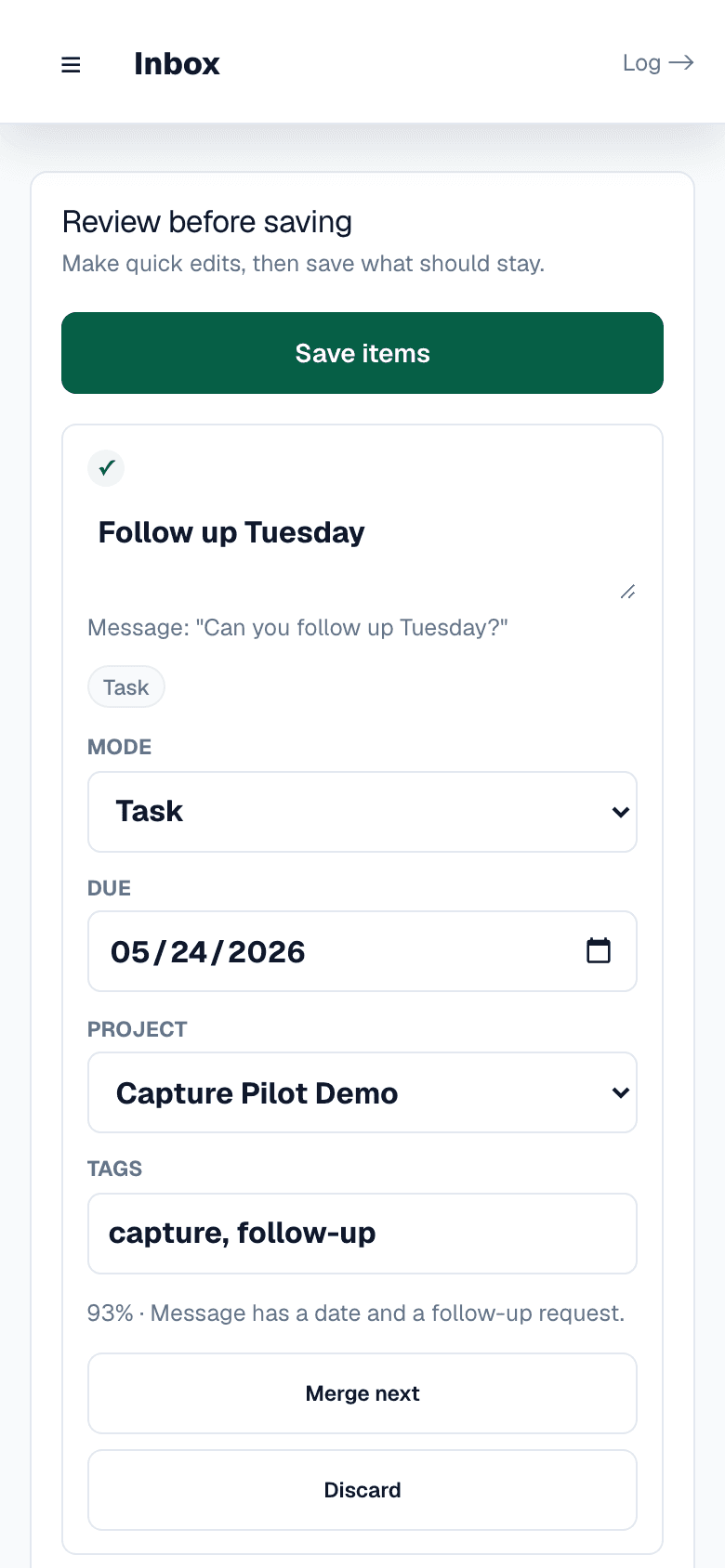
AI can suggest structure. You approve it.
The review step is the trust boundary. Featherlist can propose whether an input should become a task, a new note, an append to an existing note, or a routine.
You can edit wording, change kind, adjust tags and project, split the capture, or discard noise before anything is saved.
That keeps the product human-in-the-loop, not autopilot.
- Human-in-the-loop review
- Change task, note, append, or routine
- Edit before save
- Discard what does not matter
Each capture lands where it can be useful later
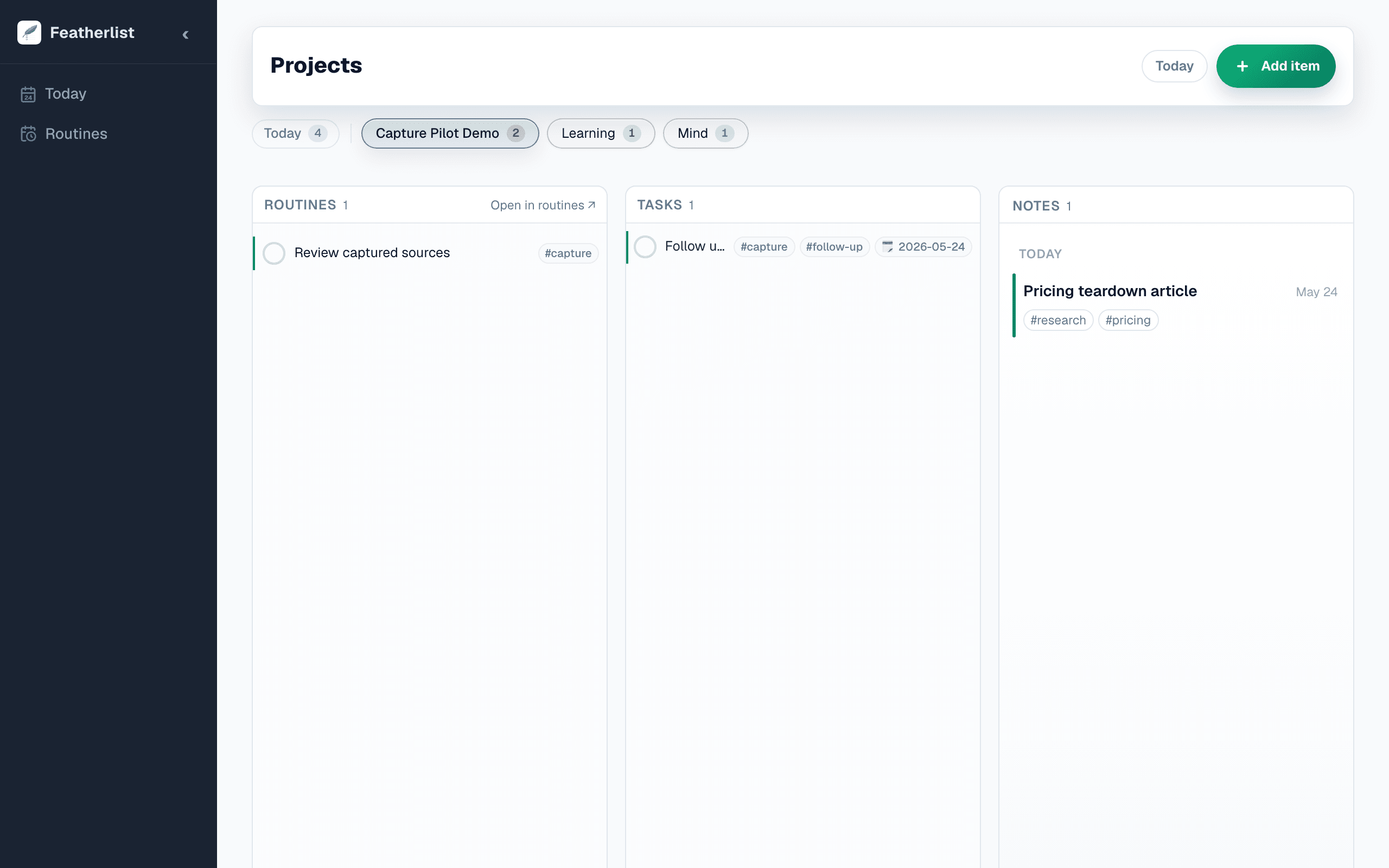
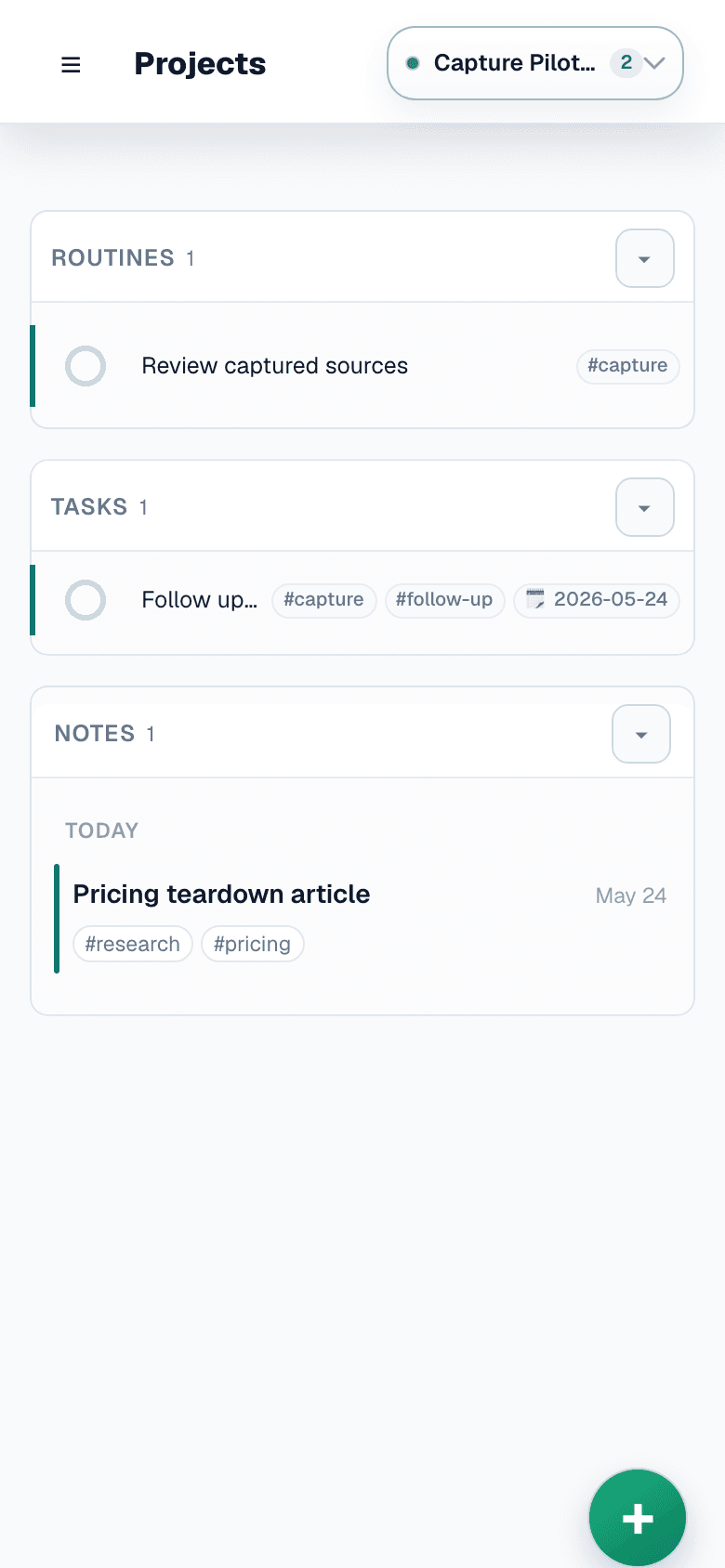
Tasks carry actions. Notes preserve context. Routines keep repeated follow-through visible. Search makes saved material worth closing.
Projects and tags add just enough structure to trust the capture later without making setup the job.
Featherlist works alongside Notion, Obsidian, Apple Notes, calendars, and chats instead of asking you to migrate everything.
- Tasks for next actions
- Notes for context
- Routines for repeated follow-through
- Projects, tags, and URL context
When it is time to act, the surface stays small
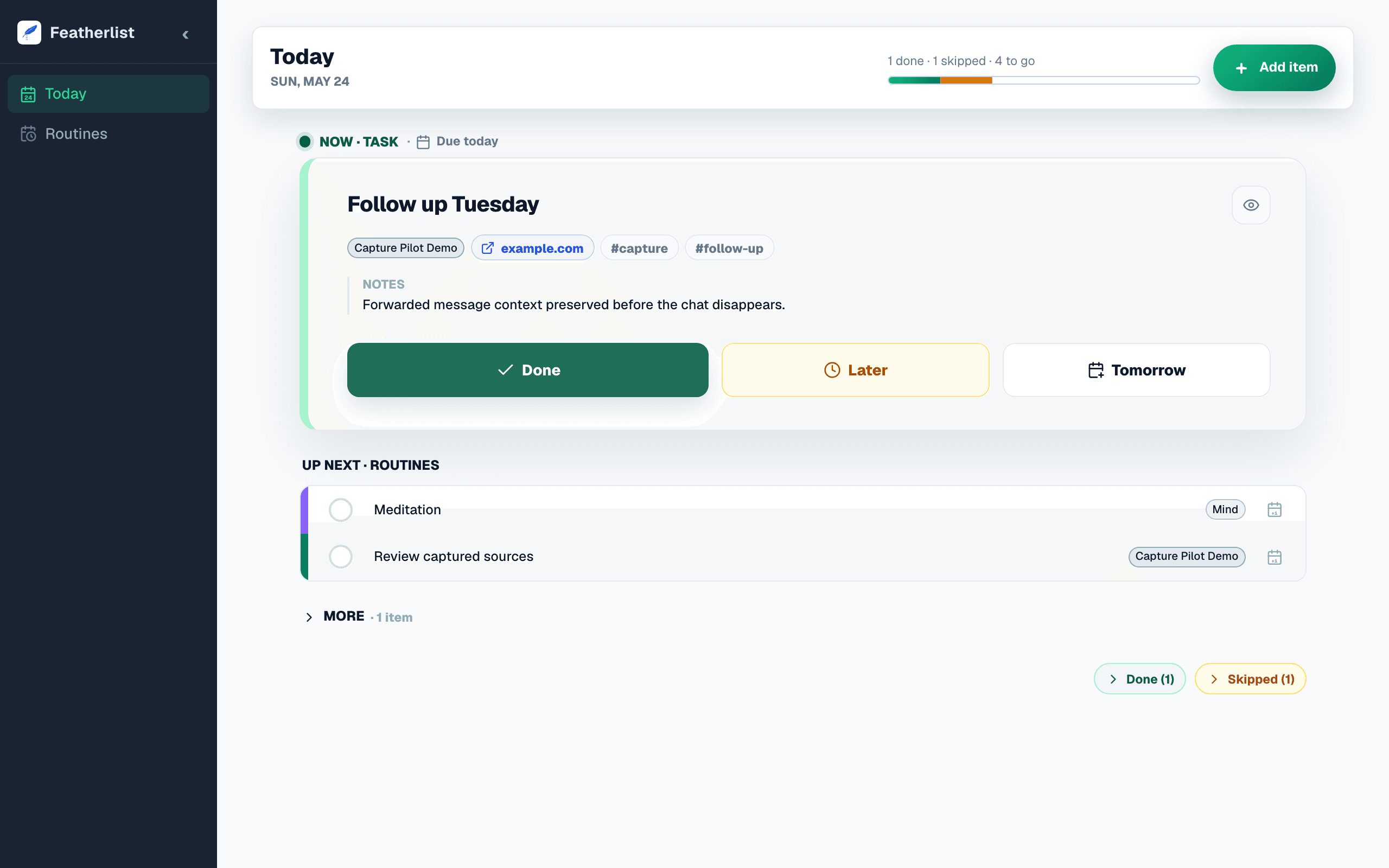
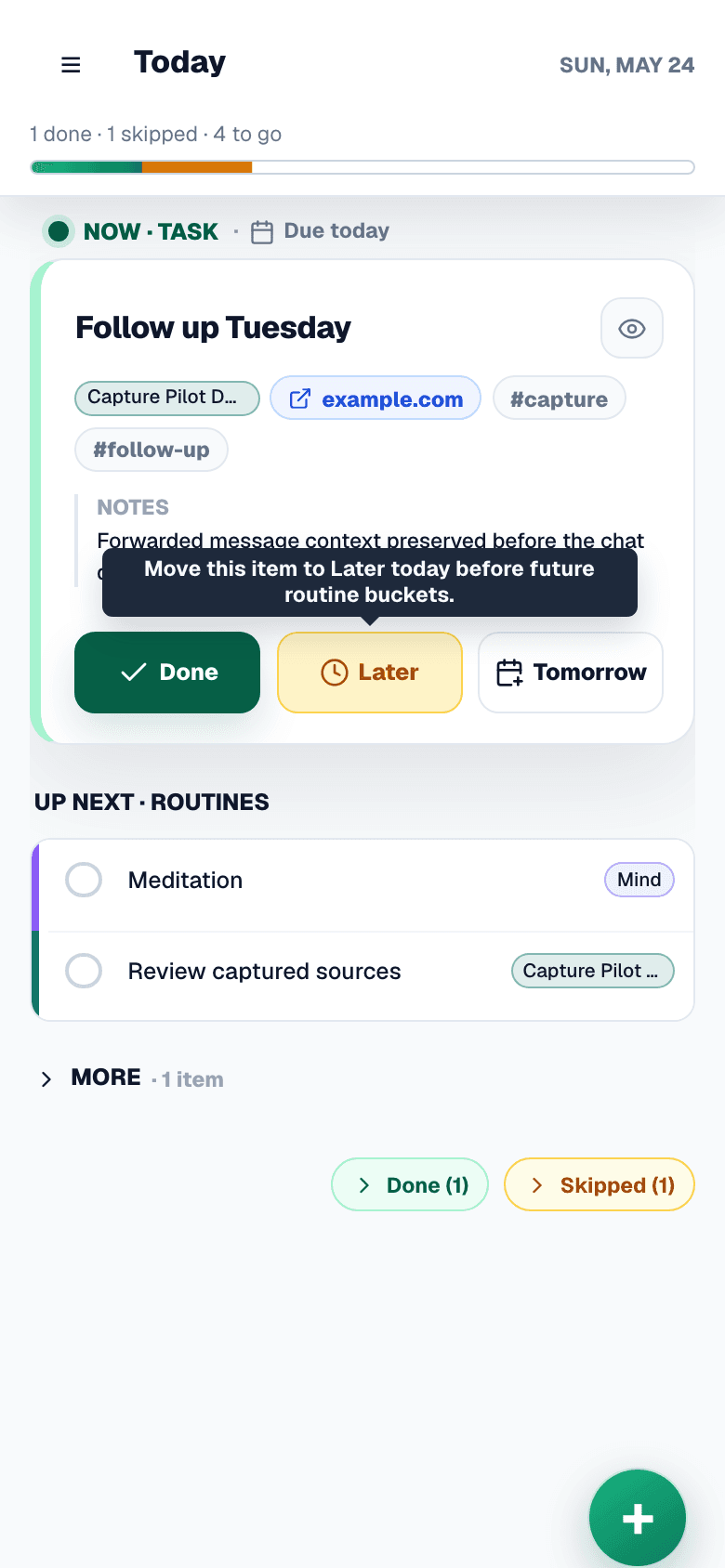
Today shows what belongs now: routines for the current part of the day and tasks that need attention.
Search and browse views keep older captures available without forcing the whole archive into the morning.
The result is follow-through, not a bigger pile of saved things.
- Current slice of the day
- Due and overdue tasks
- Searchable captured context
- List and board views
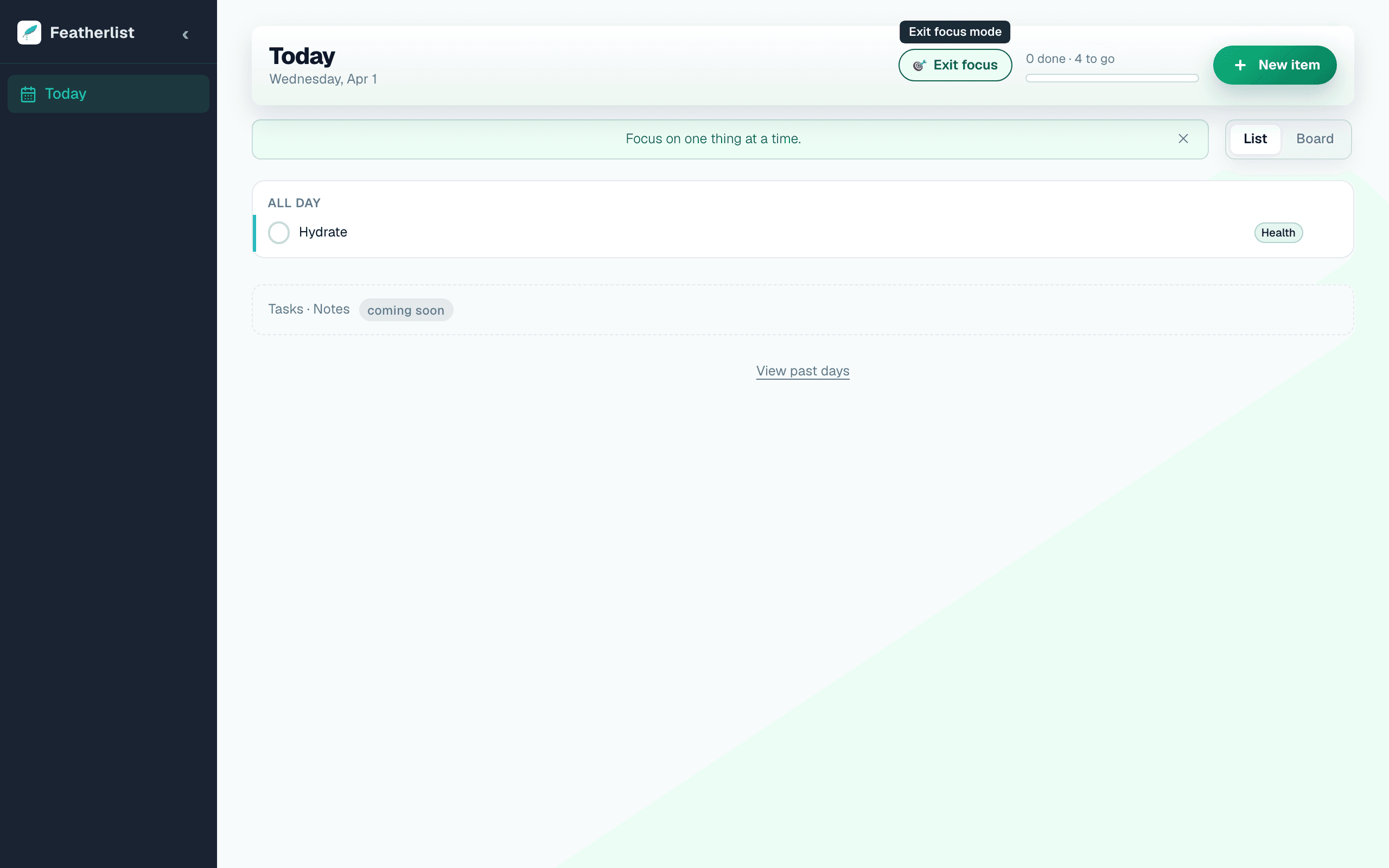
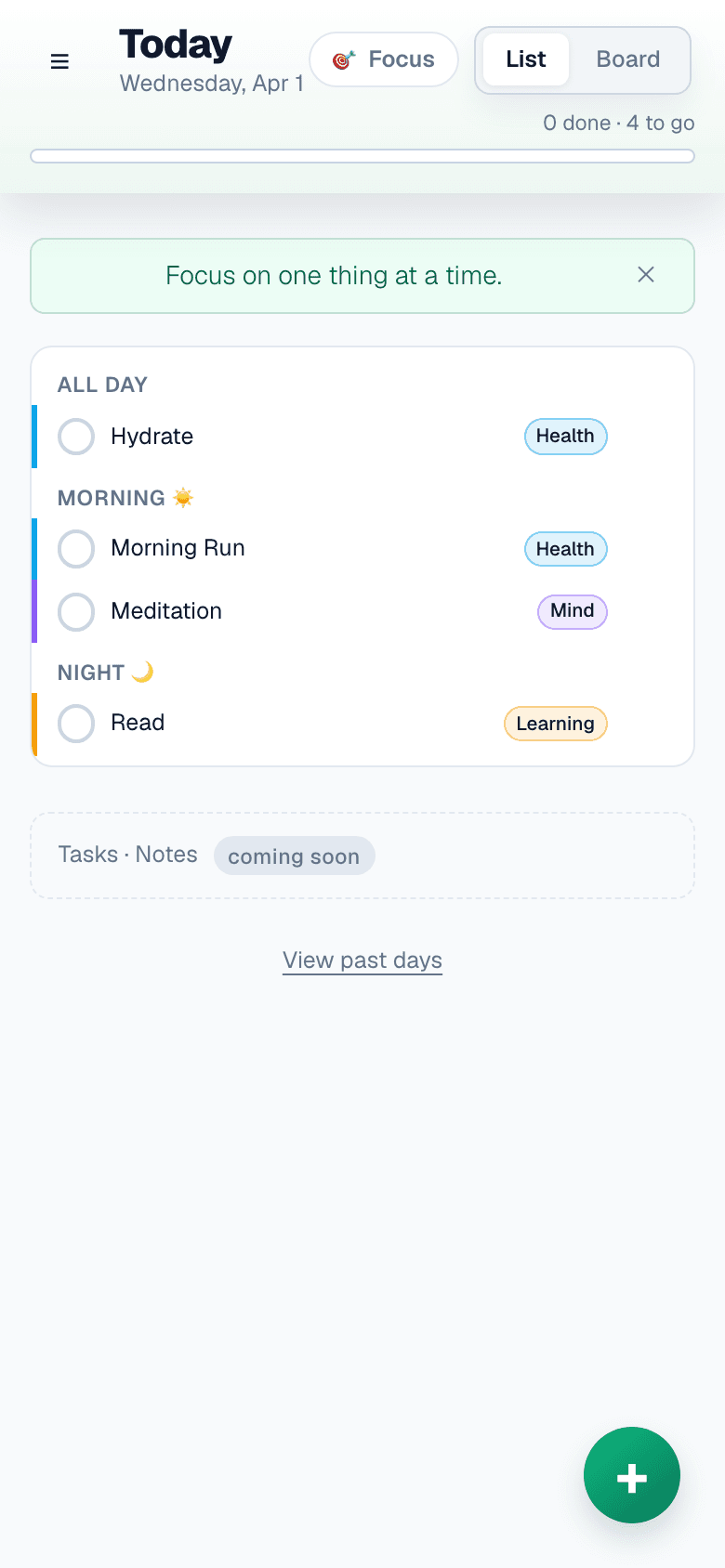
Work through one reviewed item at a time
When a capture becomes something to do, Focus mode keeps the action narrow: one item, the relevant context, and the next decision.
Navigate with arrow keys or swipe. Mark done, skip, or move on without rebuilding the day.
The feature supports follow-through after review; it is not a separate planning ritual.
- Full-screen single item
- Keyboard & swipe navigation
- Auto-advances on action
- Closes when list is clear
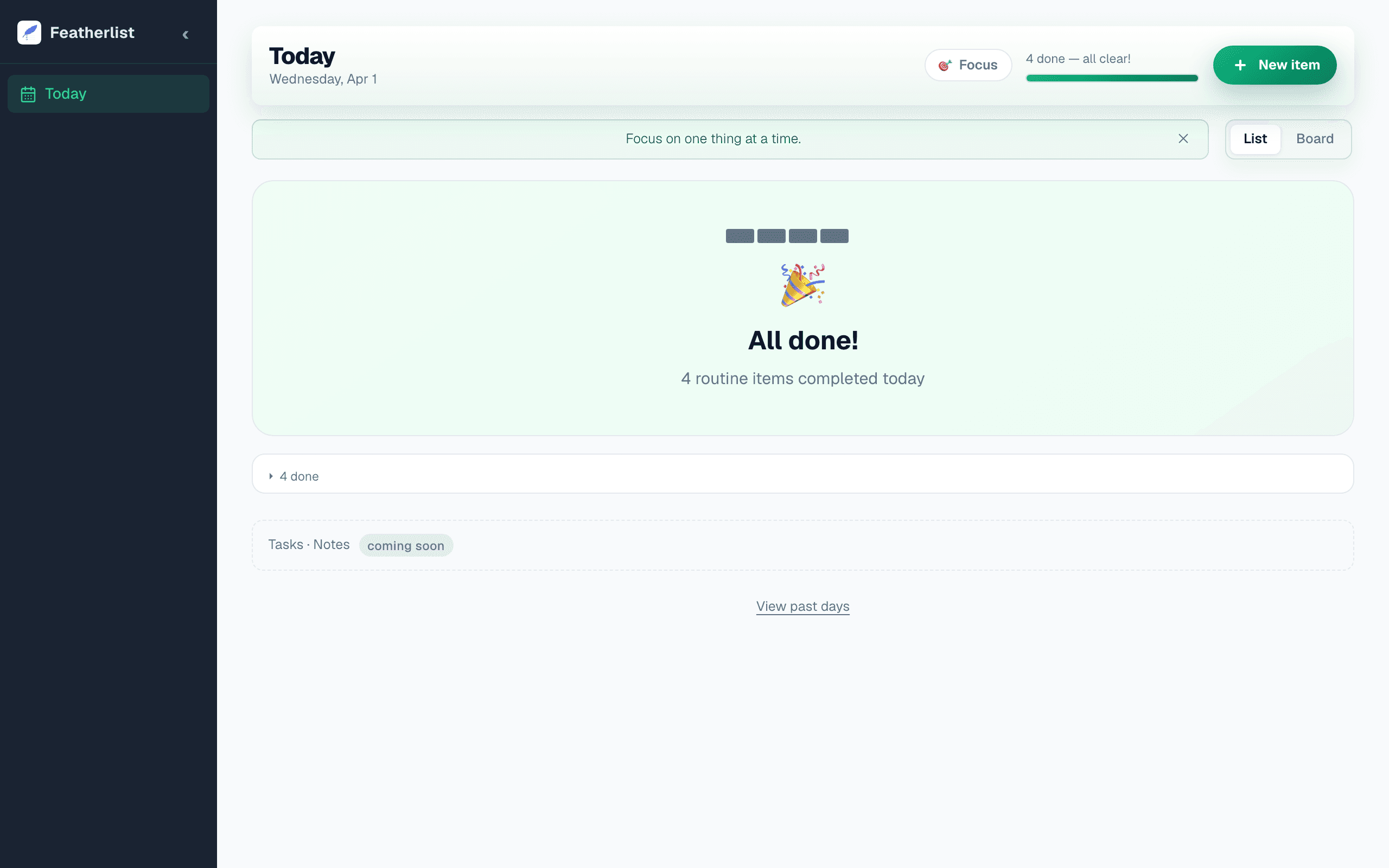
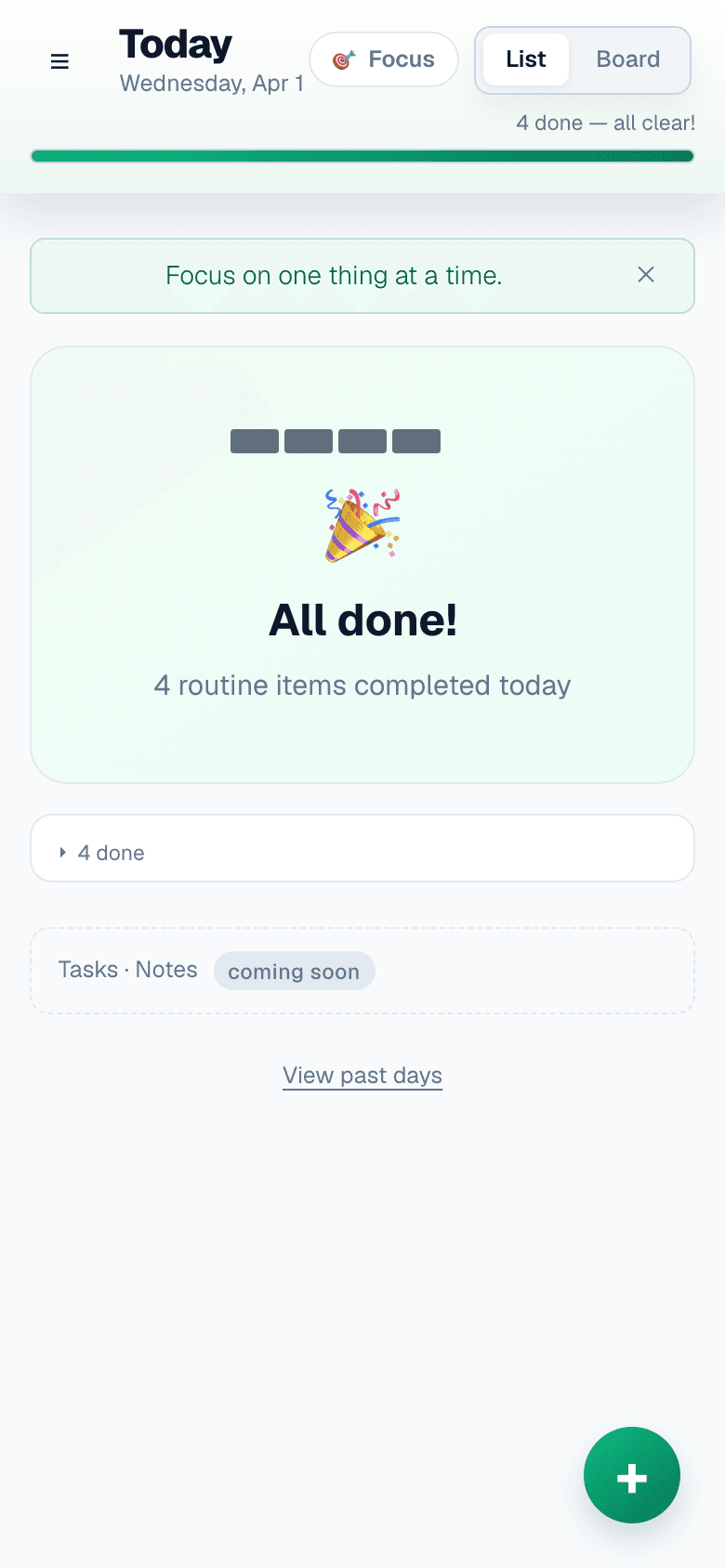
End the day with evidence, not a saved pile
The goal of capture is not storage. It is a record that the right things moved.
Completion history and quiet progress cues show follow-through without making streaks the point.
No guilt for the gaps. Just visibility.
- Completion celebration
- Streak tile history
- No guilt, just signal
- Motivational tagline
Capture and follow through from the device you already have
Featherlist is a progressive web app. Open it in Safari or Chrome, tap Add to Home Screen, and it installs like a native app on iOS and Android.
The mobile surface keeps capture and review close to the same follow-through loop, with touch-friendly action buttons and the complete focus overlay.
Updates happen automatically. Nothing to download.
- No App Store required
- iOS & Android
- Home screen install
- Auto-updates
Technical specs
- Platforms
- Web PWA (iOS, Android, Desktop)
- Install
- Home screen via browser — no App Store needed
- Sync
- Real-time across all devices
- Auth
- Email/password + Google
- Daily email
- One check-in email per day at your time
- Capture loop
- Tabs, messages, brain dumps, mobile input, and WhatsApp pilot flow into review
- AI inbox
- 10 uses/month free · 200/month on Pro
- Item limit
- 50 items free · Unlimited on Pro
Bring one real capture.
Free during beta. No credit card. Review before save.
Get early access — it’s freeAlready have an account? Log in