For browser tabs that became memory
Close the tab. Keep the context.
Capture what matters. Do what's next.
Send the page to Featherlist, review what it means, and let it land as a task, note, routine, today item, or something searchable later.
First 100 users get free access (88 spots left)
The loop
The capture loop, without another workspace migration
Featherlist is the thin review layer between scattered input and trusted follow-through. Bring in the thing, decide what it is, and let it land where you will actually use it.
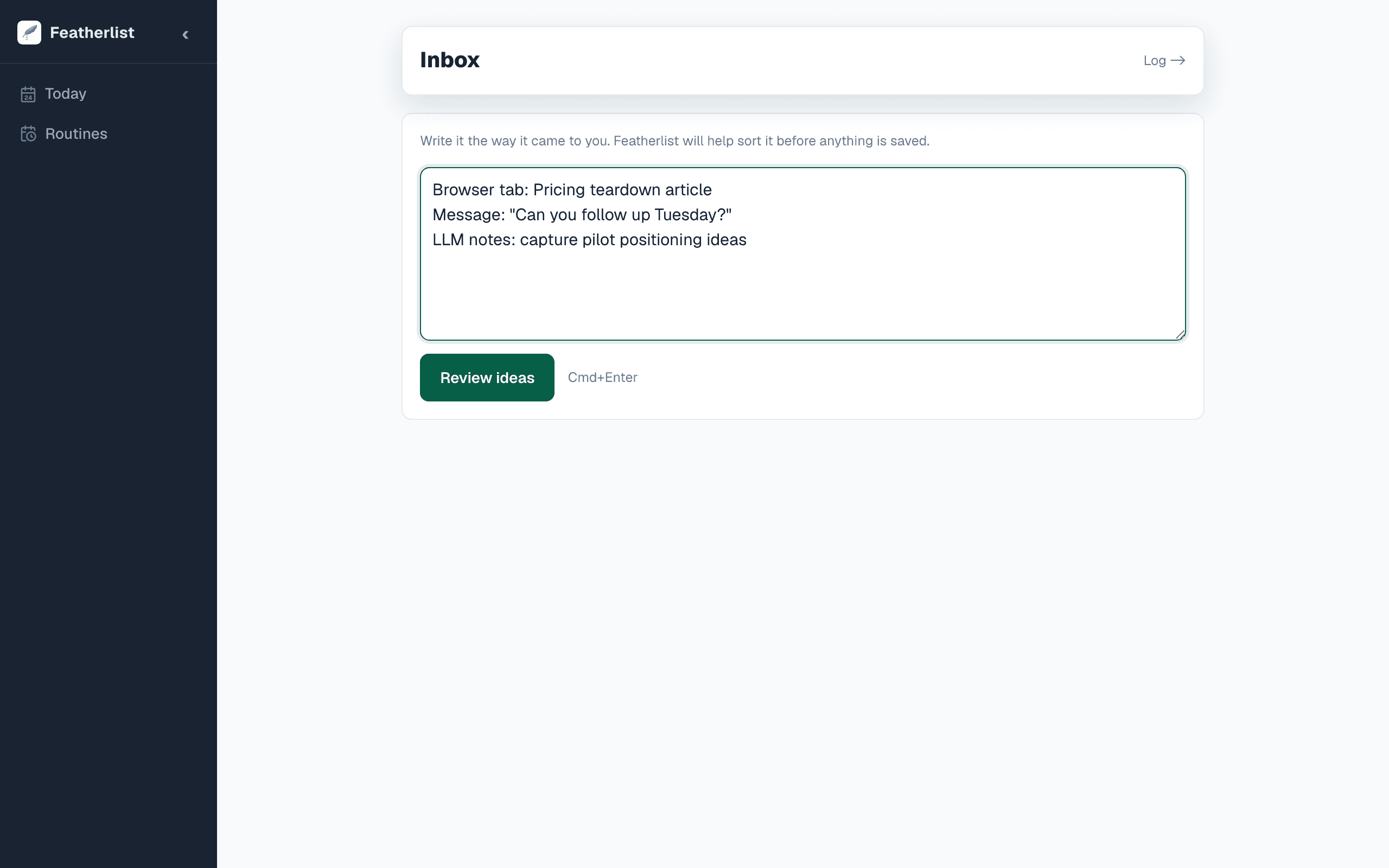
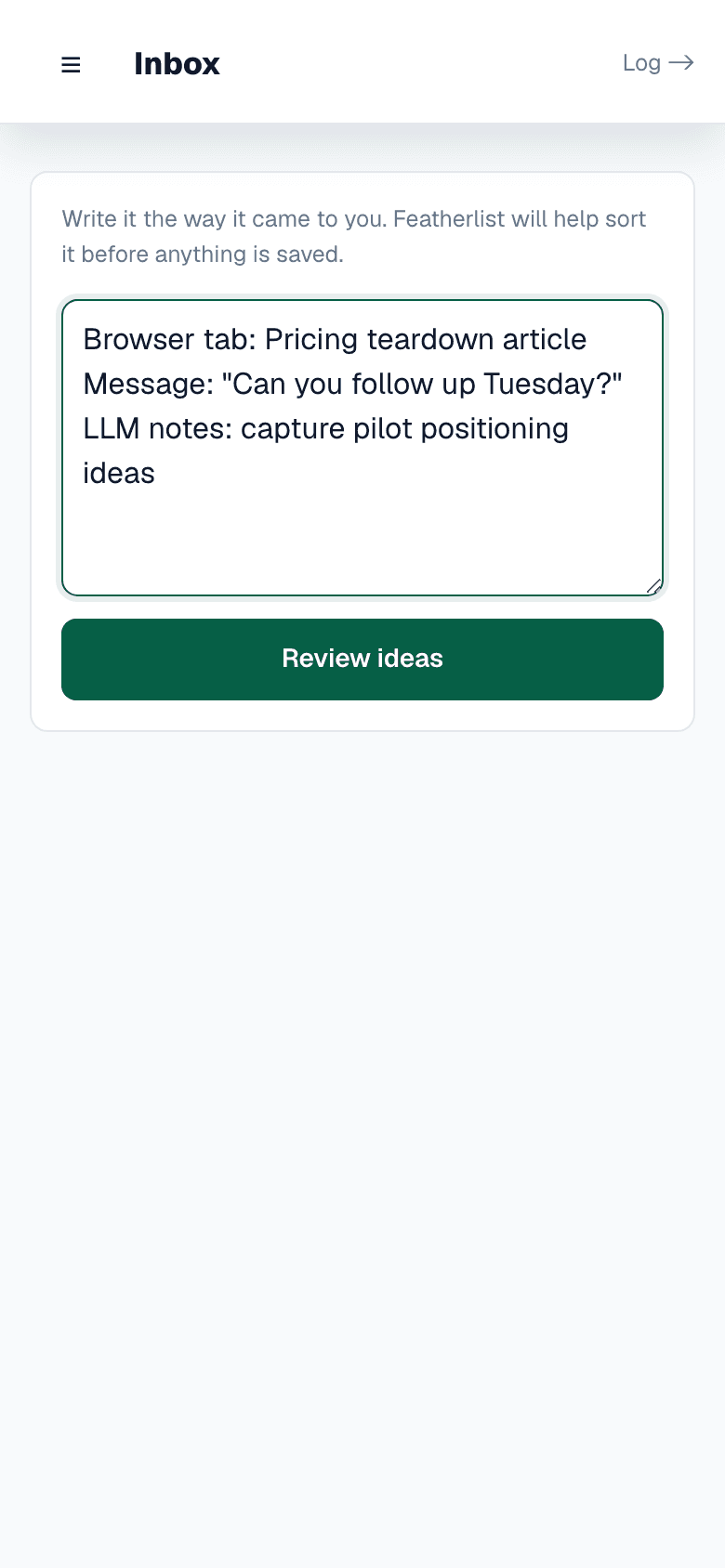
The input can stay messy
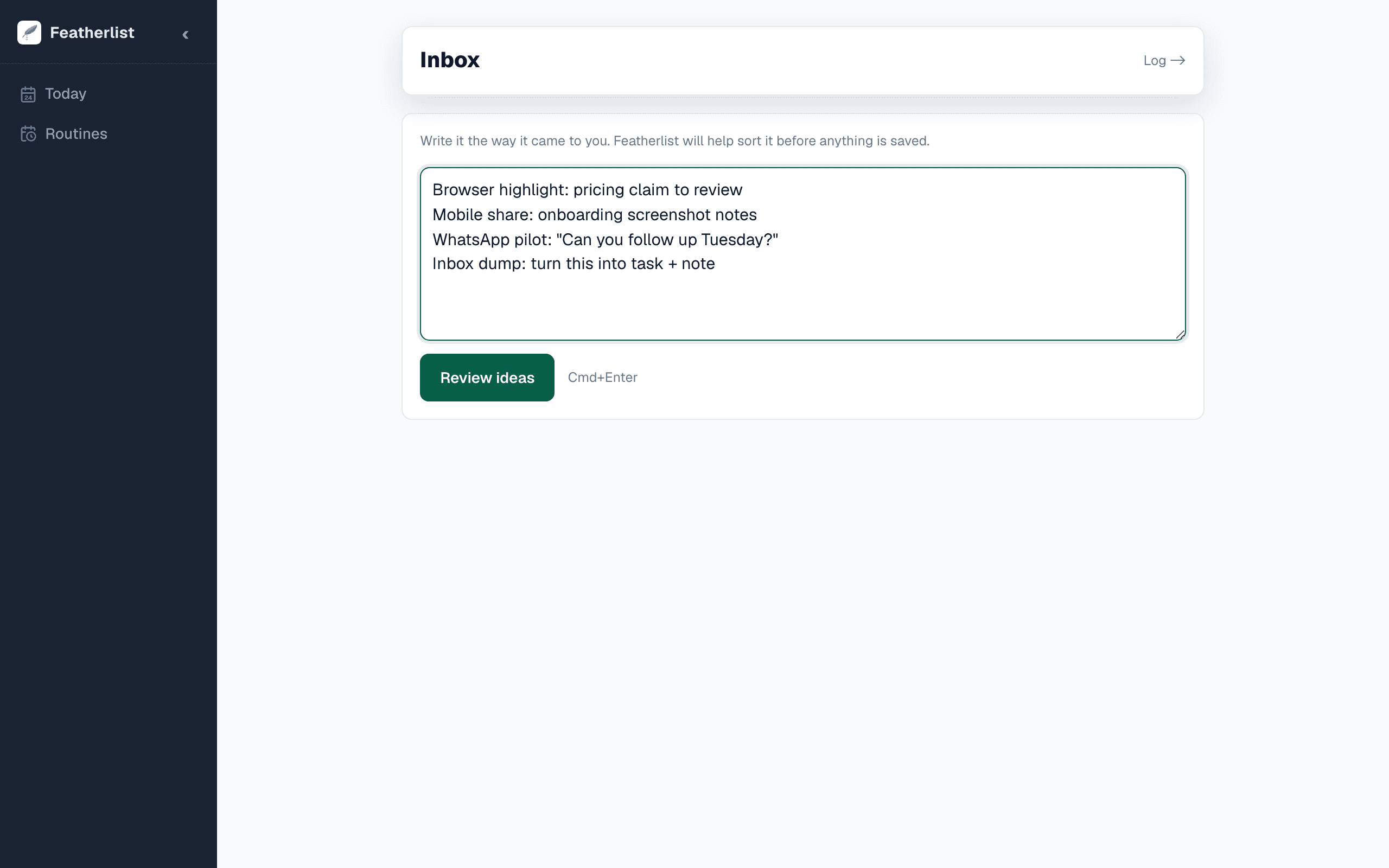
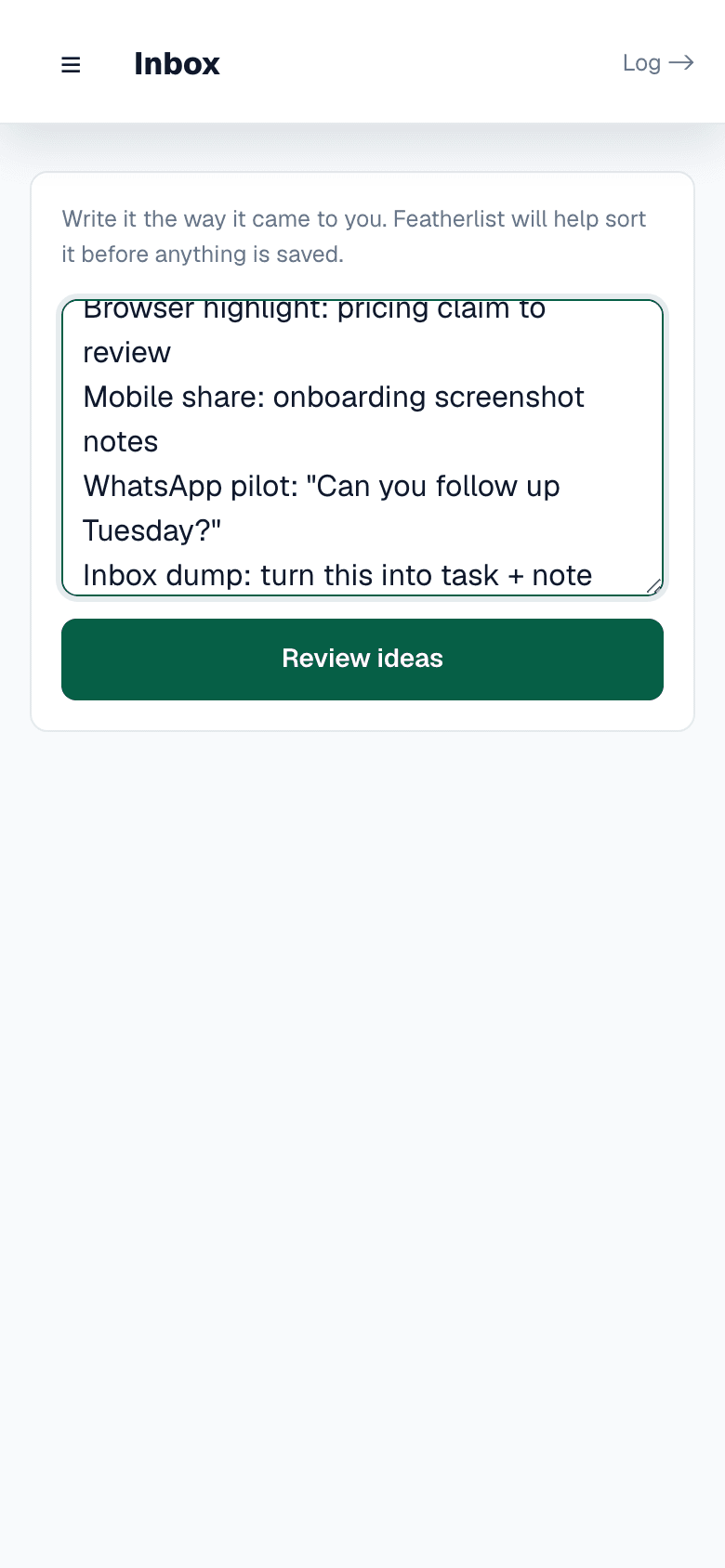
A tab, message, note, LLM answer, or quick thought can enter Featherlist before you know its final shape. The point is to get it out of the source app while the context is still fresh.
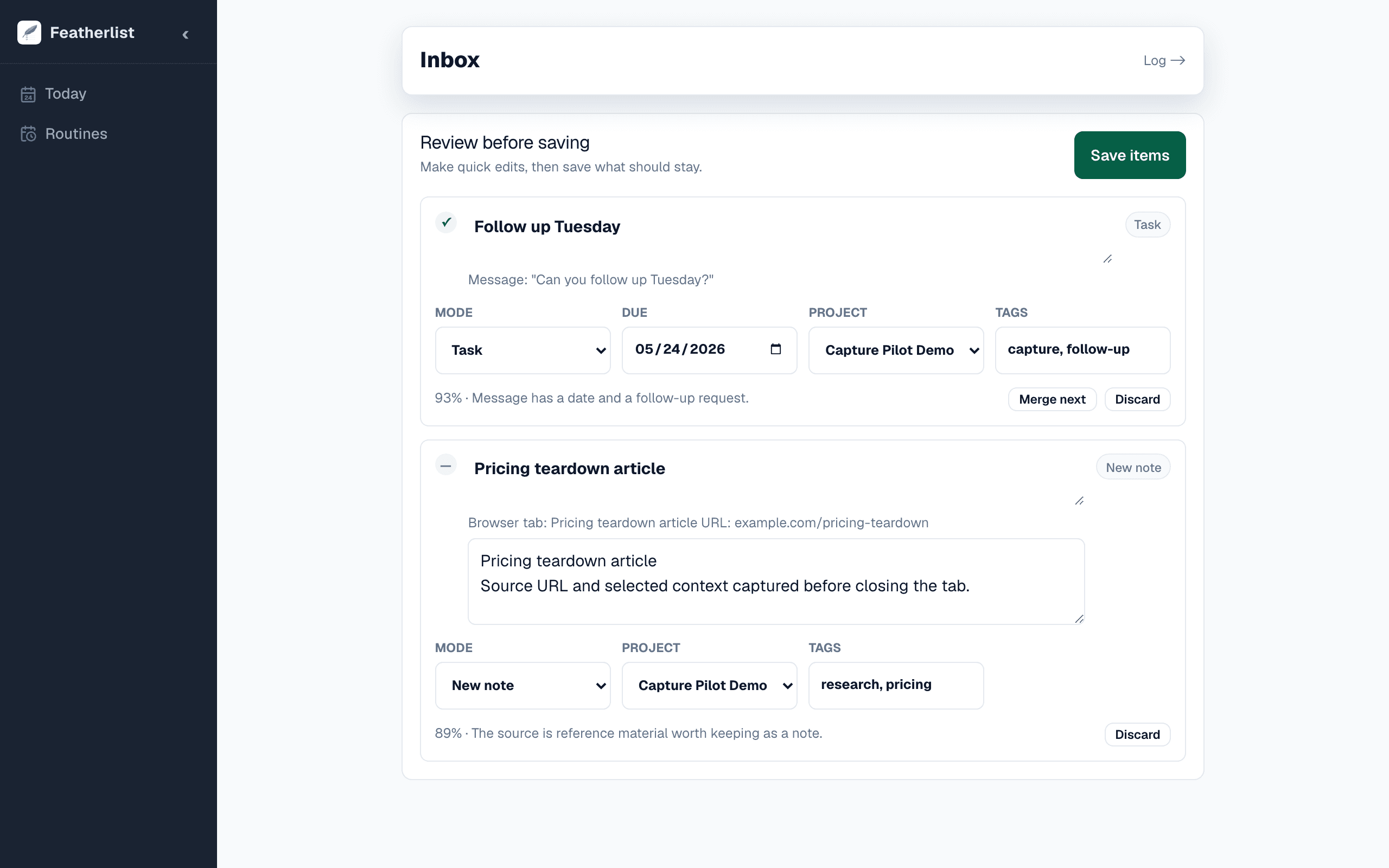
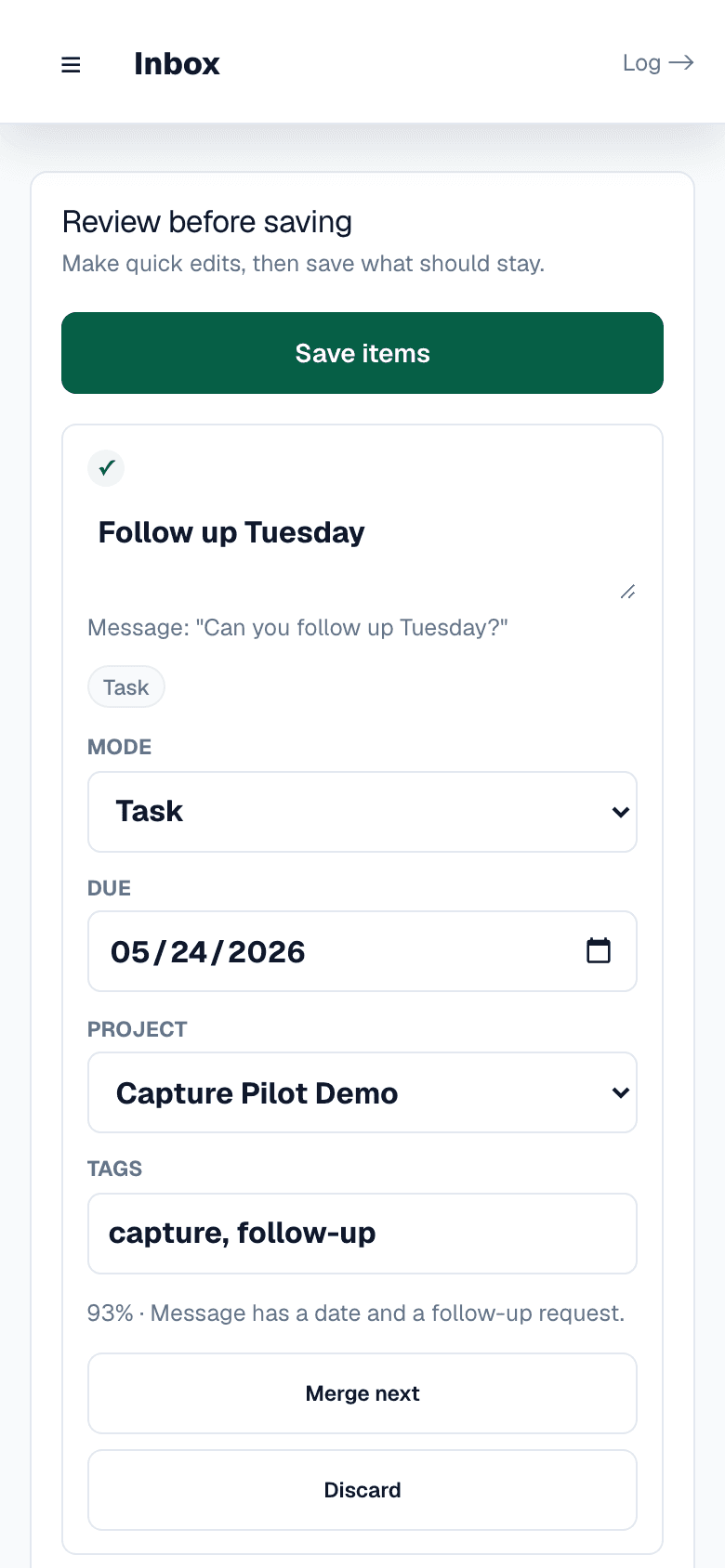
Human-in-the-loop before save
Featherlist can suggest task, note, append, or routine structure. You review the suggestion, fix the wording, and decide what is worth keeping.
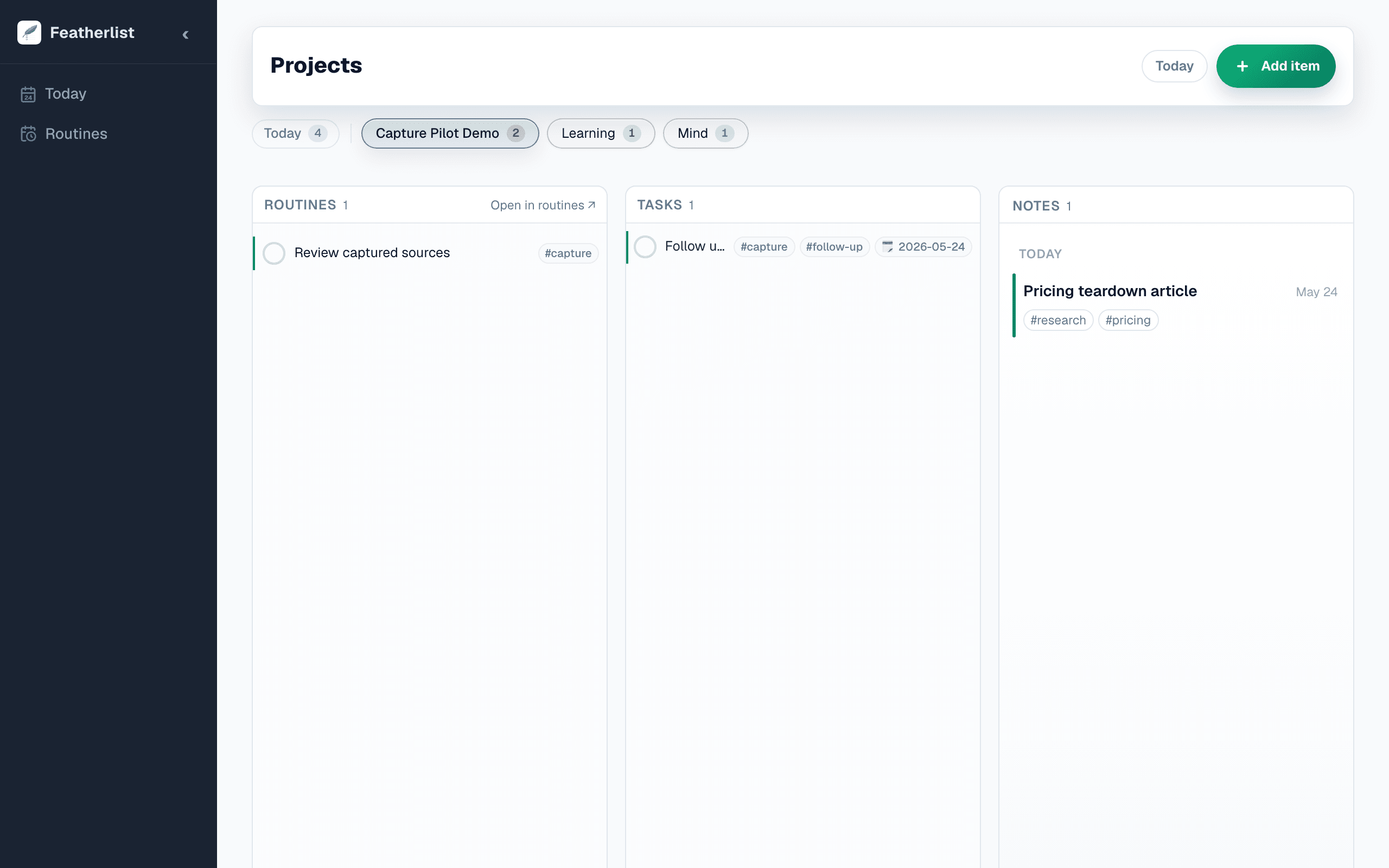
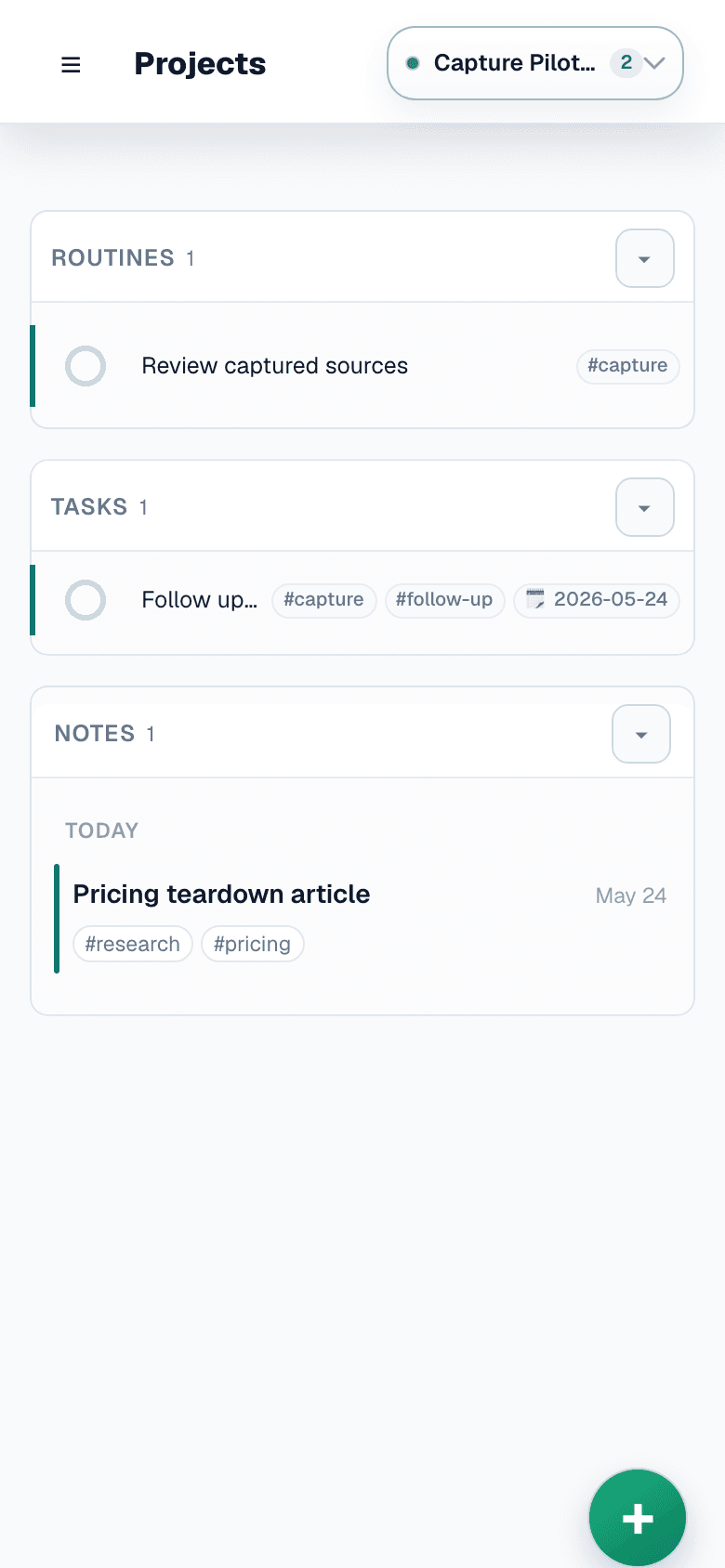
A trusted place for each thing
Tasks carry next actions. Notes preserve context. Routines keep recurring follow-through alive. Search makes the captured material findable again.
Capture from the places work already starts
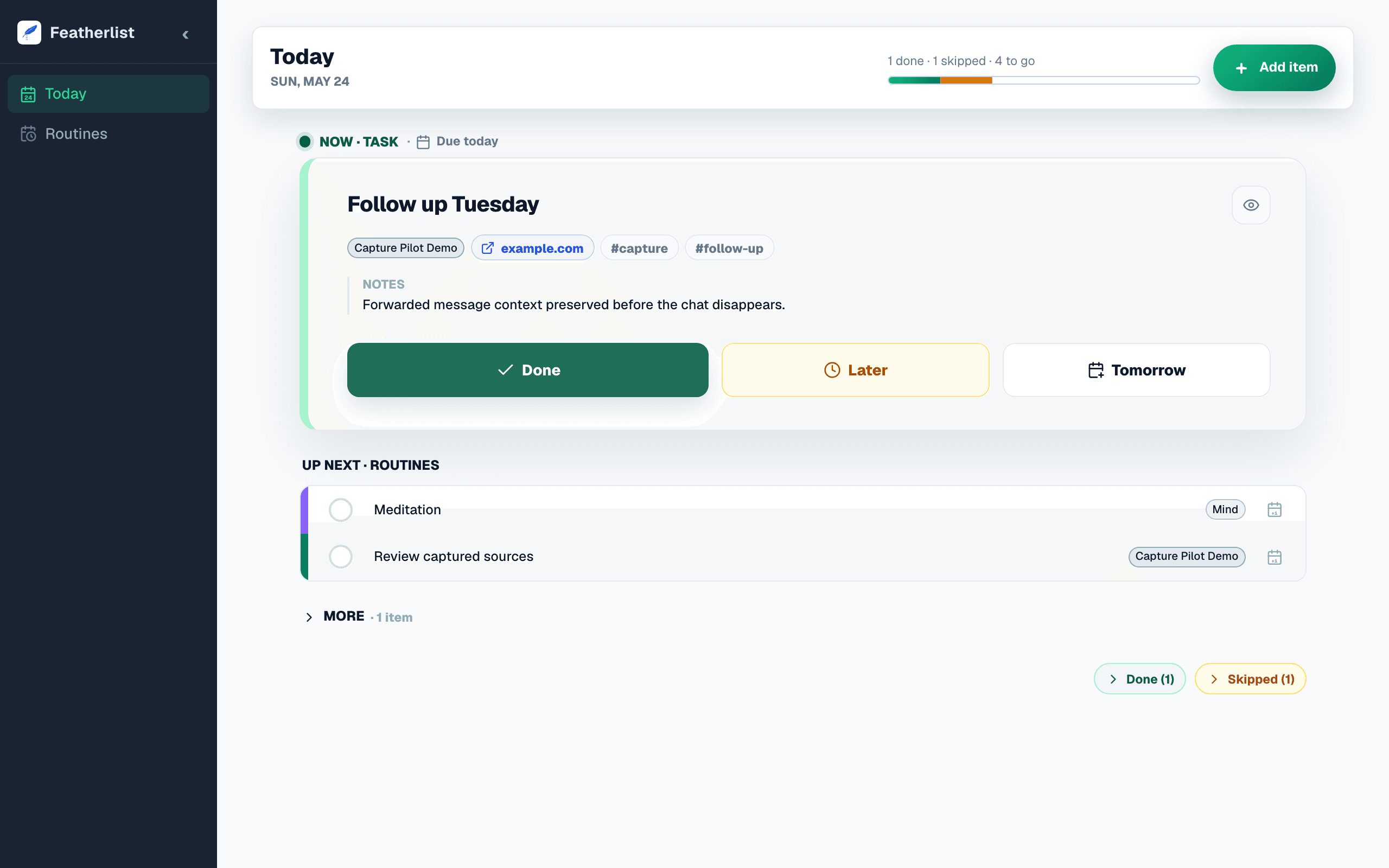
The pilot is intentionally narrow: capture from scattered sources, review before saving, and follow through from one calm daily surface.
Capture from the places work already starts
Close a tab, forward a message, paste an LLM answer, or brain-dump a thought. The capture can be fast because the decision can happen later.
Review before anything becomes permanent
Featherlist suggests structure, but you stay in control. Edit, split, change the kind, or discard before it lands in your system.
Land in tasks, notes, routines, today, or search
Captured input becomes trusted follow-through instead of another pile. It can become an action, reference, recurring routine, or searchable context.
Do what matters today
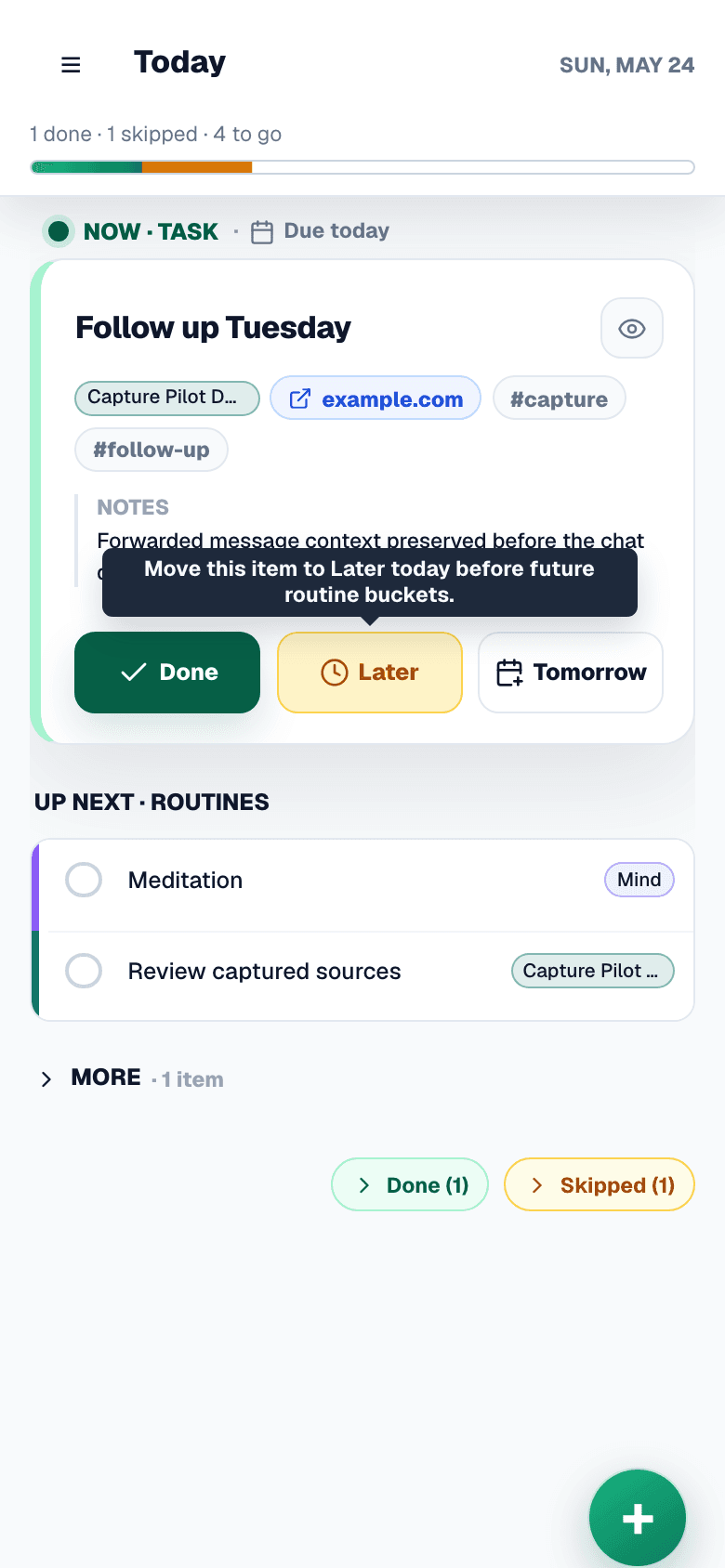
The daily surface stays quiet: see what belongs now, handle the next item, and keep the rest available without reopening the whole stack.
Pricing
Free during beta. Early price locked for founding users.
No credit card. No billing right now. When Pro launches, founding users keep $8/mo forever.
- 50 items (routines + tasks + notes)
- Daily email reminder
- 10 inbox AI uses / month
- Sync across devices
- Unlimited items
- Daily email reminder
- 200 inbox AI uses / month
Sign up now and opt in from Settings to lock the founding price when billing opens.
Bring one real tab, message, or thought.
No credit card. No heavy setup. Start with the capture loop, then decide what deserves a place in today, tasks, notes, routines, or search.
Join early access — it’s freeAlready have an account? Log in